 NexGPU-算力租赁,GPU服务器,GPU云算力,AI服务器租用-新闻博客
After GLM-5.2 was open-sourced, many developers jumped straight into local deployment. The model's parameter count is massive—the FP8 version weighs in at around 744GB to 890GB, requiring at least 8 H200 GPUs to load fully. For single-machine debugging or small-scale testing, quantized versions can cut the footprint to around 200GB, making it feasible on a workstation or even a Mac Studio.
First, let's talk about the vLLM approach, which suits high-concurrency scenarios. After installing dependencies, use huggingface-cli to download zai-org/GLM-5.2-FP8 to a local directory. In the launch command, focus on setting tensor-parallel-size to 8, max-model-len to 262144, kv-cache-dtype to fp8, and gpu-memory-utilization to 0.8. Enabling prefix caching significantly reduces computational overhead for repeated prefixes. In practice, an 8-GPU node can handle several times more concurrent requests than older versions, and long-context agent tasks are more stable.
SGLang, on the other hand, is more suited to long-context multi-turn interactions. It supports mixed-precision compute streams, and the W4AFP8 quantized version can enable MTP speculative decoding directly. After installing sglang 0.5.13.post1, a single launch_server command gets you running. Set tp to 8 and context-length to 260k. Community feedback suggests that with MTP enabled, the quantized version's speed can jump from 2 tokens/s to over 40 tokens/s, with NUMA binding offering even more noticeable gains. The DSA attention mechanism is best adapted in SGLang without extra tweaking.
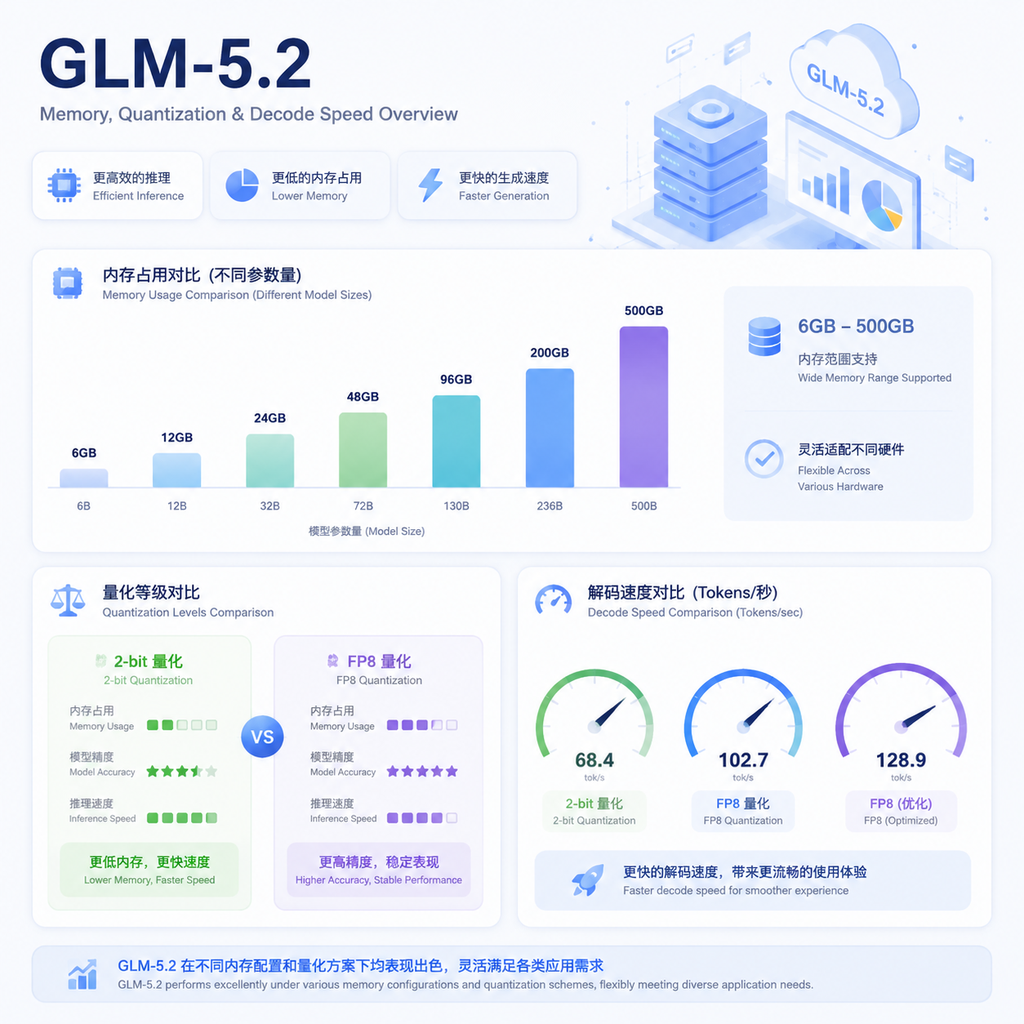
Quantized deployment is the practical choice for most. Unsloth's Dynamic GGUF version can compress the model to around 239GB at 2-bit, and down to 176GB with 1-bit dynamic. A Mac Studio Ultra with 256GB of RAM can load it, and an RTX 4090 with 256GB of system RAM can run it via CPU offloading. Speeds won't be blazing, but it's sufficient for everyday code completion or document summarization. llama.cpp also supports GGUF format, and the single-file server binary is the cleanest way to start, without a pile of Python packages.
The hardware bar is high. Running the FP8 full-precision model with a million-token context means KV cache alone eats tens to hundreds of GB of VRAM. The 4-bit Q4_K_M variant is around 476GB to 500GB, needing 6 80GB cards just to scrape by. The 2-bit version on a single 4090 mostly relies on system memory, dropping decode speeds to single digits. For faster performance or serving multiple users, multi-GPU servers are the way to go.
Common pitfalls in practice: unstable downloads due to network issues—use --local-dir-use-symlinks False to avoid symlink problems. After startup, run a quick smoke test to verify max-model-len takes effect. In long-context scenarios, prefix caching makes a huge difference. MTP is only stable in certain quant combinations; enabling it randomly can slow things down.
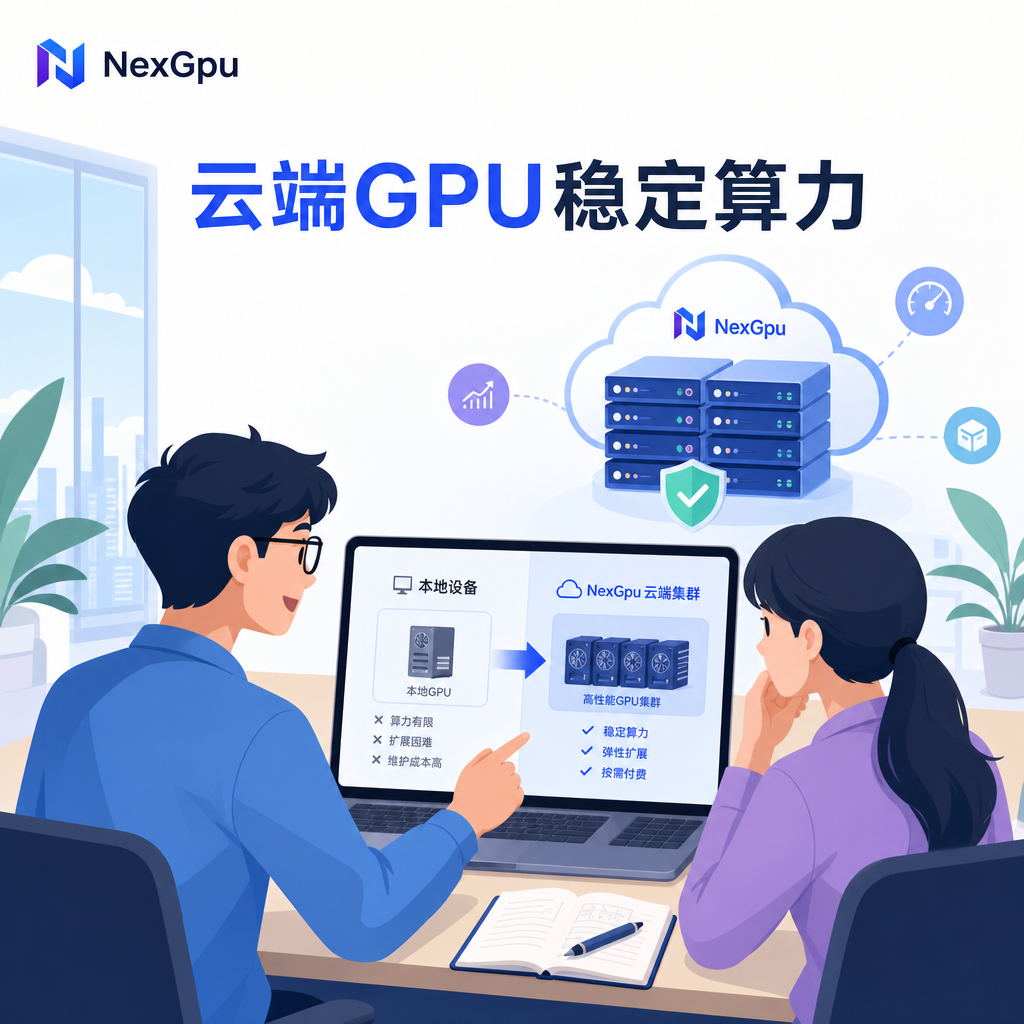
When stable compute is needed, many teams migrate local pipelines to cloud GPU clusters. NexGpu offers on-demand H200, A100, and other card types, perfectly matching GLM-5.2's multi-GPU parallelism needs. Users can validate quantization scripts on their own machines, then deploy the same environment to NexGpu nodes once confirmed—saving the hassle of buying and maintaining hardware.
After deployment, testing with the OpenAI-compatible API is recommended. Use curl to call /v1/chat/completions with a long prompt to verify context capabilities. For agentic coding tasks, GLM-5.2 excels in code generation and multi-step planning, with public leaderboards showing top-tier scores in WebDev-related metrics.
To further reduce memory, consider KTransformers or official Transformers integration. Different frameworks perform markedly differently on the same hardware, so test on a small scale before committing to a primary engine. The community has already shared AWQ-INT4-FP8-MTP combo solutions that vLLM users can reference directly.
Deploying GLM-5.2 locally boils down to matching hardware with quantization precision. If resources are ample, go full FP8 on multiple GPUs; if budget-constrained, opt for a 2-bit GGUF single-machine setup. NexGpu's GPU rental service can supplement when local cards are insufficient or when you need to scale concurrency quickly—just rent nodes with the right specs and continue experimenting. The entire process, from environment prep to service launch, can be done via pure command-line on a clean Ubuntu, without relying on Docker or complex orchestration.




Comments(0)