 NexGPU-算力租赁,GPU服务器,GPU云算力,AI服务器租用-新闻博客
How much VRAM does Qwen deployment need? Let's start with the conclusion: For Qwen 2.5 72B in FP16, weights alone occupy about 144GB-146GB, requiring dual 80GB GPUs (TP=2); after INT4 quantization, it drops to about 38GB-40GB, which can fit on a single 80GB/96GB GPU or dual 32GB GPUs; for 32B FP16, weights are about 63.5GB-64GB, needing a single 80GB-class GPU or dual GPUs, while INT4 reduces it to about 18GB. For private deployment in 2026, AI developers and algorithm engineers often get stuck at "VRAM seems enough, but actual running fails." The reason is simple: VRAM usage consists of four parts — weights, KV Cache, activation tensors, and engine overhead. Looking only at weights often leads to misjudgment.
Before doing the math, answer three questions; otherwise, VRAM numbers are meaningless:
- Model tier: 72B or 32B? The weight difference is nearly double, directly affecting GPU selection.
- Context length: Qwen 2.5 natively supports 128K (131,072 tokens), but longer contexts increase KV Cache usage significantly; you must set a limit in advance.
- Concurrency level: The more concurrent requests, the larger the total KV Cache, multiplying VRAM requirements.
Discussing VRAM without considering the latter two is like doing only half the calculation.
First Account: Weight Usage — Conversion Table from FP16 to INT4
Weights are the bulk of VRAM and the easiest baseline to find. The table below shows the weight usage ranges for Qwen 2.5 32B and 72B under FP16, FP8, and INT4, along with the VRAM gap assessment.
| Model | FP16/BF16 | FP8 | INT4 (AWQ) | Fits single 80GB? |
|---|---|---|---|---|
| Qwen 2.5 32B | ~63.5-64GB | ~32GB | ~18GB | 80GB feasible (FP16 barely, quantization more stable) |
| Qwen 2.5 72B | ~144-146GB | Not provided | ~38-40GB | Single card impossible (FP16); INT4 can fit 80GB/96GB |
The conversion rule is simple: FP16 takes about 2GB per billion parameters, FP8 halves that, and INT4 halves it again (about 0.5GB per billion parameters). This is a general empirical estimate for rough sizing; the final number should be based on actual loaded VRAM readings. But note: 32B FP16 needs about 64GB, so a single 24GB or 32GB consumer card absolutely cannot fit it; while 72B FP16 is as high as ~145GB, so a single 80GB card cannot load it directly either — you need dual 80GB GPUs in parallel, which is where TP=2 comes from. If you use INT4 quantization, 72B can compress to about 38-40GB, and 32B to only ~18GB, making it possible on a single 24GB card (like RTX 4090) to run.
Second Account: Why KV Cache Is Multiplied by Context and Concurrency
If weights are fixed costs, KV Cache is a floating expense that grows linearly with context length and then multiplies with concurrency. Qwen 2.5 natively supports 128K context, but remember this number: a single request at 128K length can have KV Cache exceeding 40GB. This means: if you deploy 32B INT4 (weights ~18GB), a single 24GB card leaves only 6GB for KV Cache, which can't even handle 8K-16K context.
Concurrency multiplies VRAM impact: with N concurrent requests, total KV Cache is roughly N times that of a single request. If you set a 32K context with concurrency 8, KV Cache could exceed 80GB, directly busting the remaining space on dual 80GB GPUs. Linearly extrapolating from the over-40GB single-request estimate, concurrency 4 would require over 160GB (this is an estimate based on linear scaling; actual values vary with model GQA configuration and quantization method, so actual testing is needed). This is why many teams hit CUDA out of memory when long contexts and high concurrency arrive — it's not a weight issue; it's the floating KV Cache account not being calculated properly.
Third and Fourth Accounts: Activation Tensors and Engine Overhead — Why to Reserve 30%-50% Headroom
Besides weights and KV Cache, vLLM runtime also uses VRAM for activation tensors and engine overhead (CUDA context, memory pools, etc.). Usable KV Cache = Total VRAM × Utilization - Weights - Overhead. Therefore, for production, it's recommended to reserve 30%-50% headroom; don't calculate right at the weight limit. Also note that vLLM pre-allocates VRAM based on utilization by default, so even if weights are only 38GB, if remaining space is insufficient, increasing context or concurrency can still trigger OOM.
Why Dual 80GB (TP=2) Is the Production Baseline for 72B
Combining all four accounts: 72B FP16 weights are ~145GB; dual A100/H100 80GB total 160GB; after subtracting weights, about 15GB remains for KV Cache and activations. With limited context (e.g., 8K) and low concurrency (e.g., 4), it can barely run, but for longer contexts or higher concurrency, you need further quantization or expansion to 4 cards.
This also explains why --tensor-parallel-size 2 is the default starting point for 72B Qwen deployment: a single 80GB card cannot physically load it, and dual cards distribute the weights across two cards, maximizing VRAM utilization. For 32B FP16 (~64GB), dual 80GB or single 80GB/96GB are both viable, but dual-card TP=2 provides more headroom for KV Cache. For the overhead of cross-card communication and TP splitting, refer to multi-card inference optimization.
vLLM Startup Parameter Configuration Order: TP, VRAM Utilization, Max Sequence Length
When actually starting vLLM, the order of parameter configuration is crucial; it determines whether the VRAM math works out. It's recommended to adjust in the following order:
--tensor-parallel-size(TP size): Determine the number of cards based on weight precision. For 72B FP16, set to 2; for 32B FP16, you can set to 1 or 2; if weights are reduced after quantization, you can lower TP to save cross-card communication overhead.--gpu-memory-utilization(VRAM utilization): Default is 0.90, usually no need to change. If OOM occurs later, you can lower it to 0.85, but that squeezes the KV Cache pool.--max-model-len(max sequence length): Must be set manually; don't rely on defaults. It directly limits the KV Cache upper bound; setting it too large (e.g., 128K) will pre-fill VRAM with KV Cache pool, causing OOM even for short requests.
A typical 72B dual-card startup command looks like:
vllm serve Qwen/Qwen2.5-72B-Instruct \
  --tensor-parallel-size 2 \
  --gpu-memory-utilization 0.90 \
  --max-model-len 32768 \
  --enable-prefix-caching
--enable-prefix-caching can reuse KV Cache when multiple requests share prefixes, reducing VRAM pressure; it's recommended to enable it. From the perspective of choosing GPU VRAM, these parameters must be determined before purchasing resources; otherwise, you may face the "VRAM seems enough, but actual running fails" dilemma.
Four-Tier Deployment Paths: From Single-Card Quantized Validation to Dual-Card FP16 Production
The following four tiers represent the most common deployment forms for Qwen. Based on the four accounts, we can divide the deployment paths into four tiers, each with clear use cases:
| Tier | Configuration | Use Case | Context and Concurrency Constraints |
|---|---|---|---|
| Tier 1: Single-card INT4 validation | Single 24GB (e.g., RTX 4090) running 32B-INT4, or 80GB/96GB running 72B-INT4 | Function validation, low-concurrency prototype | Context ≤ 8K, concurrency ≤ 2 |
| Tier 2: Single 80GB/96GB | 32B FP16 or 72B-INT4 | Medium-load internal API | Context ≤ 32K, concurrency ≤ 8 |
| Tier 3: Dual 80GB FP16 | 72B FP16, TP=2 | Production-grade API, aiming for precision | Context 8K-32K, concurrency 4-16 |
| Tier 4: Multi-card expansion | 4×80GB or more | High concurrency, long context | Context 32K-128K, concurrency >16 |
The VRAM calculation for similar-scale domestic models is the same; you can refer to the tiered conclusions in DeepSeek deployment. Which tier you choose depends on your business's actual needs for context and concurrency. If you're just building a Q&A demo, Tier 1 suffices; if you need to support production traffic, starting from Tier 3 is more stable.
Peak VRAM Testing with Pay-as-You-Go Resources: What Metrics to Record
This kind of peak testing is best done using pay-as-you-go, instant GPU resources like NexGPU, to avoid locking in long-term configurations for a single validation. Paper calculations are no substitute for actual measurement. It's recommended to run a peak test with pay-as-you-go GPU resources and record the following metrics to aid future selection:
- Remaining VRAM after loading weights (
torch.cuda.mem_get_info) - KV Cache pool size after vLLM starts (visible in logs)
- Peak VRAM usage under fixed context length and concurrency levels
- OOM trigger point: at which context/concurrency combination it first errors
During testing, start with a conservative --max-model-len (e.g., 8K), gradually increase concurrency, and record the VRAM curve. The article on vLLM deployment lists where to read the KV Cache pool size in startup logs.
Qwen Deployment Checklist
- [x] Determine model tier (72B/32B) and precision (FP16/FP8/INT4)
- [x] Estimate weight usage (use table or formula)
- [x] Set max context length (
--max-model-len) - [x] Assess concurrency scale and calculate total KV Cache
- [x] Choose GPU type and count (TP size), reserve 30%-50% headroom
- [x] Fill in vLLM parameters and start testing
- [x] Test peak VRAM, verify no OOM
FAQ
How much VRAM does Qwen 2.5 72B need?
72B in FP16 has weights of about 144-146GB, requiring dual A100/H100 80GB (TP=2) for production; with INT4 quantization, weights are about 38-40GB, and a single 80GB/96GB or dual 32GB can run, but context and concurrency need strict limits.
Can Qwen 32B run on a single 24GB card?
Not natively in FP16 (weights ~64GB). But with AWQ-INT4 quantization, weights drop to about 18GB, and a single 24GB card (like RTX 4090) can barely run with limited context (≤8K) and low concurrency (≤2), but it's not suitable for production.
For vLLM deploying Qwen, what tensor parallel size should I set?
It mainly depends on whether the weights fit on a single card. 72B FP16 must be 2 (dual cards); 32B FP16 can be 1 (single 80GB) or 2 (dual). After quantization, weights are smaller, so you can lower TP to reduce communication overhead.
How much VRAM does Qwen 128K long context KV Cache occupy?
For a single request at 128K context, KV Cache may exceed 40GB; if concurrency is 4, the estimate would be over 160GB. In production, you need to limit context through --max-model-len, or use multi-card plus quantization.
What to do if Qwen deployment runs into CUDA out of memory?
Troubleshoot in order: first lower --max-model-len (compress KV Cache), then reduce concurrency or lower --gpu-memory-utilization, finally consider quantizing weights or adding GPUs. Test peak VRAM to find the OOM trigger point.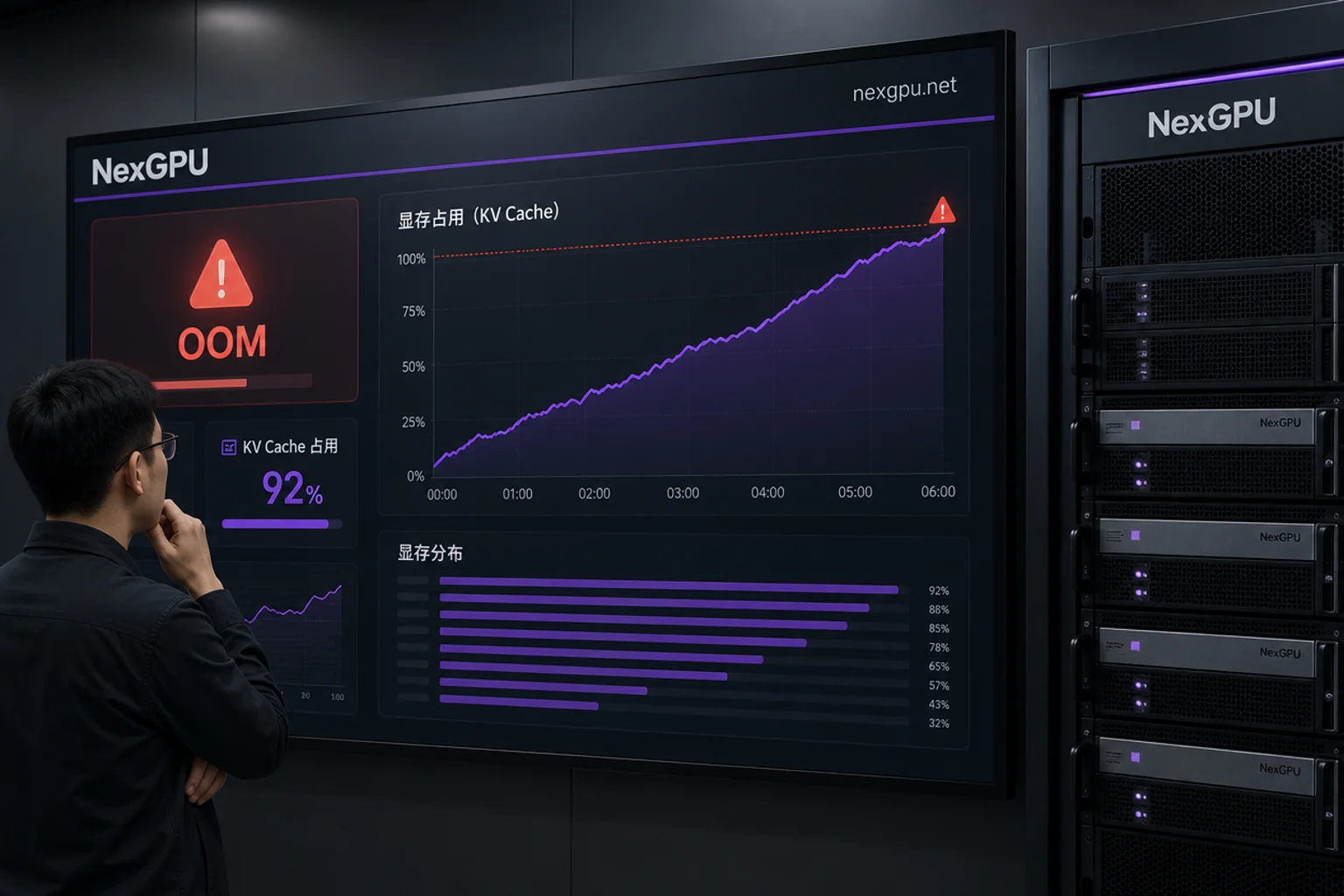
After calculating the four accounts and determining the VRAM tier, you can use cloud GPU platforms like NexGPU that offer various GPU models, pay-as-you-go billing, and instant startup. First, run the INT4 quantized version on a single card to validate context and concurrency limits, then switch to dual 80GB for FP16 comparison under the same load. With pre-built templates, you can significantly reduce vLLM environment setup time and avoid locking long-term resources before confirming the VRAM range.
It's recommended to first estimate the VRAM range for your business's context and concurrency tiers based on the four accounts in this article, then run a peak test with pay-as-you-go resources to verify, and only after stability confirm should you decide on long-term configuration.




Comments(0)