 NexGPU-算力租赁,GPU服务器,GPU云算力,AI服务器租用-新闻博客
The first thing that confuses most people when renting a GPU is that the bill doesn't go to zero after shutdown. The answer is straightforward:
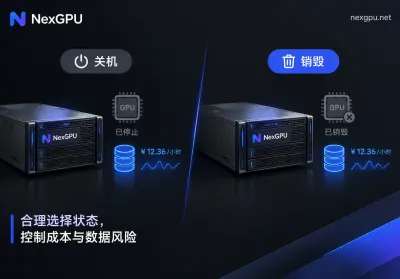
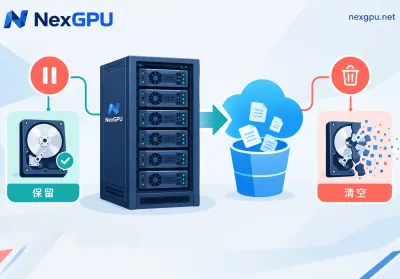
- Shutdown (Stopped): GPU, vCPU, and memory usage stops, so compute charges stop. But the system disk and data disk remain, and storage fees continue based on capacity.
- Destroy (Release/Terminate): Compute and storage are released together, all billing stops, and anything on the disk that wasn't backed up is permanently lost.
So the question "does shutdown still cost money?" is better framed as: how much are you willing to pay to keep that disk, and for how long?
Why You're Still Charged After Shutdown
For hourly-billed GPU instances, the bill typically has three components: compute, storage, and traffic. NexGPU uses the same three, billed per second, with no minimum commitment and no contract.
The first component disappears when you shut down. The second remains because the platform must continue to reserve that disk for you—it holds your installed drivers and CUDA environment, pip/conda dependencies, tens of GB of model weights pulled from Hugging Face, ComfyUI custom nodes and model directories, and any generated images, videos, or checkpoints. This data occupies real physical space and won't vanish just because you clicked shutdown, so it continues to be billed by capacity.
Another way to think about it: shutdown fees buy you the ability to pick up where you left off. No need to reinstall the environment, no need to re-download weights—boot up and it's the same machine. Whether that's worth it depends on how soon you'll return and how much time a rebuild would take.
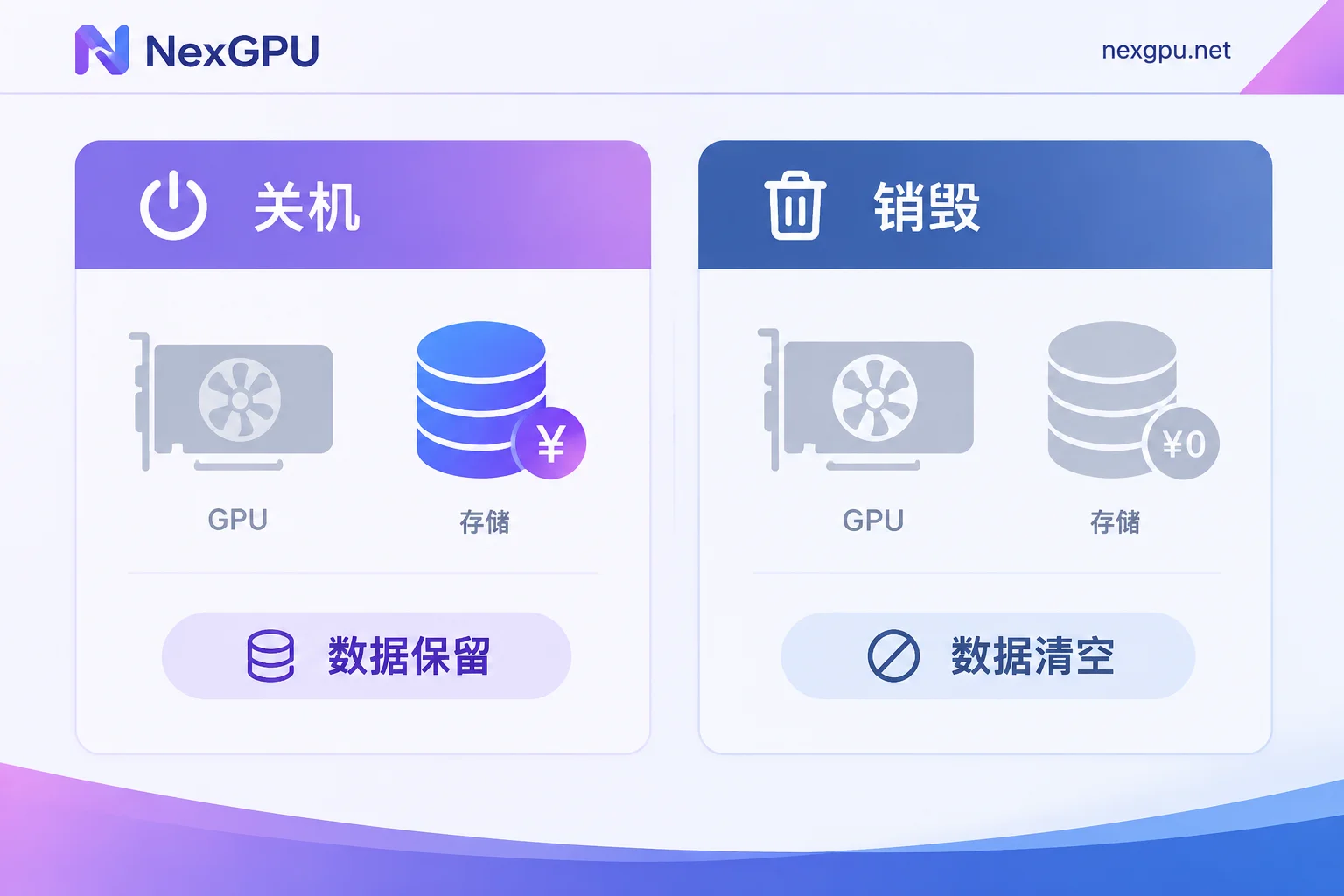
Shutdown or Destroy: Decide by "How Soon You'll Return"
When to shut down:
- You're in the middle of fine-tuning and need a break—you'll be back in a few hours to a day or two.
- Your environment was painstakingly customized: specific flash-attn versions, compiled operators, a long list of ComfyUI custom nodes—rebuilding takes two to three hours.
- You're in a debugging phase and need to return to the same state repeatedly to check logs and tweak parameters.
When to destroy:
- This batch of images/videos is done and already downloaded locally.
- Fine-tuning is finished, and LoRA or weight files are uploaded to object storage or locally.
- The disk is mostly filled with publicly downloadable open-source weights—these can be re-pulled anytime, no need to pay monthly to store a copy for Hugging Face.
- You're not sure when you'll use it next. "Not sure" in billing terms means "always paying."
The rule of thumb for the gray area: expected downtime × storage unit price vs. the time cost to rebuild the environment. Shut down for short breaks, destroy when the task is done—don't let a disk full of weights sit idle for a whole month.
One more thing worth knowing upfront: on NexGPU, the unit price at order time is locked until that instance is destroyed. That means keeping an instance you'll use long-term has value; once destroyed, a new instance will be priced at the current rate. If you've found a good node and plan to keep using it, that's a reason not to rush to destroy—but if it's just a temporary task, don't let this tie you down.
Four Checks Before Destroying
Destruction is irreversible—once the disk is released, data can't be recovered. Go through this checklist first:
1. Are the outputs off this machine? Trained weights, LoRAs, generated images/videos, evaluation results, logs—confirm they're uploaded to object storage, cloud drive, or local, not just sitting in some directory on the instance. Don't just check filenames; verify file sizes and that they open correctly. For specific transfer methods, see How to save data from a rented GPU instance.
2. Can the environment be reproduced? Export pip freeze or conda environment files, and save the custom node list, startup commands, and modified config files. Next time, reopen an instance with an image template and reinstall following your notes—much better than relying on memory.
3. Make sure no process is writing to disk. Destroying while a training script is still running and saving checkpoints is like throwing away half a file. Stop the task first, then destroy.
4. Check for anything you forgot on the disk. Preprocessing intermediates of datasets, manually annotated files, modified inference scripts—these often come to mind only after destruction. For a complete picture of data and billing boundaries, see Can data be recovered after a GPU instance is destroyed?.
Common Pitfalls
Typing shutdown inside the system is not the same as the platform's shutdown. The shutdown command inside the instance and the "Stop" action in the console may be handled differently across platforms—billing status is based on the instance state shown in the console. To stop, do it from the console.
Don't apply one cloud's shutdown rules to another. Some providers offer special cost-saving stop modes, others have different policies for resource retention after shutdown—rules aren't interchangeable. Check the billing documentation of the platform you're renting from. NexGPU's policy is on the billing page: only compute, storage, and traffic; shutdown still incurs storage fees; only destruction stops everything.
Don't use shutdown as a substitute for checkpoints. Shutdown is a deliberate, orderly pause; the real risk for long tasks is unplanned interruption. Your training script should still write checkpoints and test recovery logic—this is unrelated to billing. See Long-running GPU task interruption recovery and checkpoint setup.
Inference services don't have "shutdown to save money." As long as you provide an API, shutdown means the service goes offline. To control costs, reduce precision, switch to a smaller GPU, or batch requests—don't rely on shutdown.
Practical Approaches by Scenario
Image/video creators. Destroy after one-off tasks rather than keeping instances stopped long-term. Environments like ComfyUI and Whisper can be quickly rebuilt from image templates—no need to keep paying for a disk full of checkpoints unless you use it daily. For template selection, see How to choose a cloud GPU image template.
Fine-tuning developers. Sync checkpoints to external storage regularly during training, stop the instance during breaks to preserve the environment, and destroy after the full training run and weights are retrieved. This keeps downtime controllable and storage costs from spiraling.
Teams evaluating multi-GPU or clusters. Multi-node instances consume several times more storage when stopped, so it's even more important to define "when to release" rules—ideally during task scheduling. For multi-GPU or long-term solutions, contact sales.
Back to the opening: shutdown saves compute costs; destruction truly stops billing. Do a solid job backing up outputs and environments, and destruction won't be a hesitant button.


Comments(0)