 NexGPU-算力租赁,GPU服务器,GPU云算力,AI服务器租用-新闻博客
A mid-July industry report showed that the global intelligent computing services market (centered on GPU compute rental) surpassed $42 billion in 2025, up 38.6% year-over-year, with China contributing about $15 billion, or 35.7%. Around the same time, market discussions indicated that H100 forward rental prices are expected to rise about 40% in the first half of 2026, with B200 prices also climbing, tightening overall supply. Amid growth and volatility, what small and mid-sized teams care about most isn't grand narratives, but how to quickly and cost-effectively put compute rental to use.
Assess Real Needs Before Renting
Don't rush to H100 or B200. First ask three questions: Is the task fine-tuning, inference, or full training? How much GPU memory is needed for a single run? How many hours per day/week will it actually be used?
The report pointed out that compute consumption for generative AI inference grew 340% year-over-year in 2025, making it the fastest-growing segment, with training and inference together accounting for 60% of demand. Most small and medium projects actually fall into inference or light fine-tuning. The A100 80GB still offers good cost-effectiveness for most fine-tuning tasks; H100 suits higher throughput, while the B200 delivers roughly 1.8-2.5x single-card performance over the H100 but with a rental premium of about 1.75x, often making its cost per token more economical. If memory is insufficient, consider multi-card or higher specs.
Quantify your needs: For example, 7B model inference typically requires 24-48GB of GPU memory; 70B-class models need 80GB+. Estimate monthly usage hours, then compare per-hour vs. monthly plans.
Match GPU and Task, Then Choose Platform
After selecting the model type, look at platforms. Currently, H100 pricing ranges roughly from $2 to $11 per hour across providers, with significant variance and availability fluctuations. Prioritize these factors: whether per-second/minute billing is supported, whether ready-made images (PyTorch, vLLM, SGLang) are available, whether network and storage are up to scratch, and whether elastic scaling is supported.
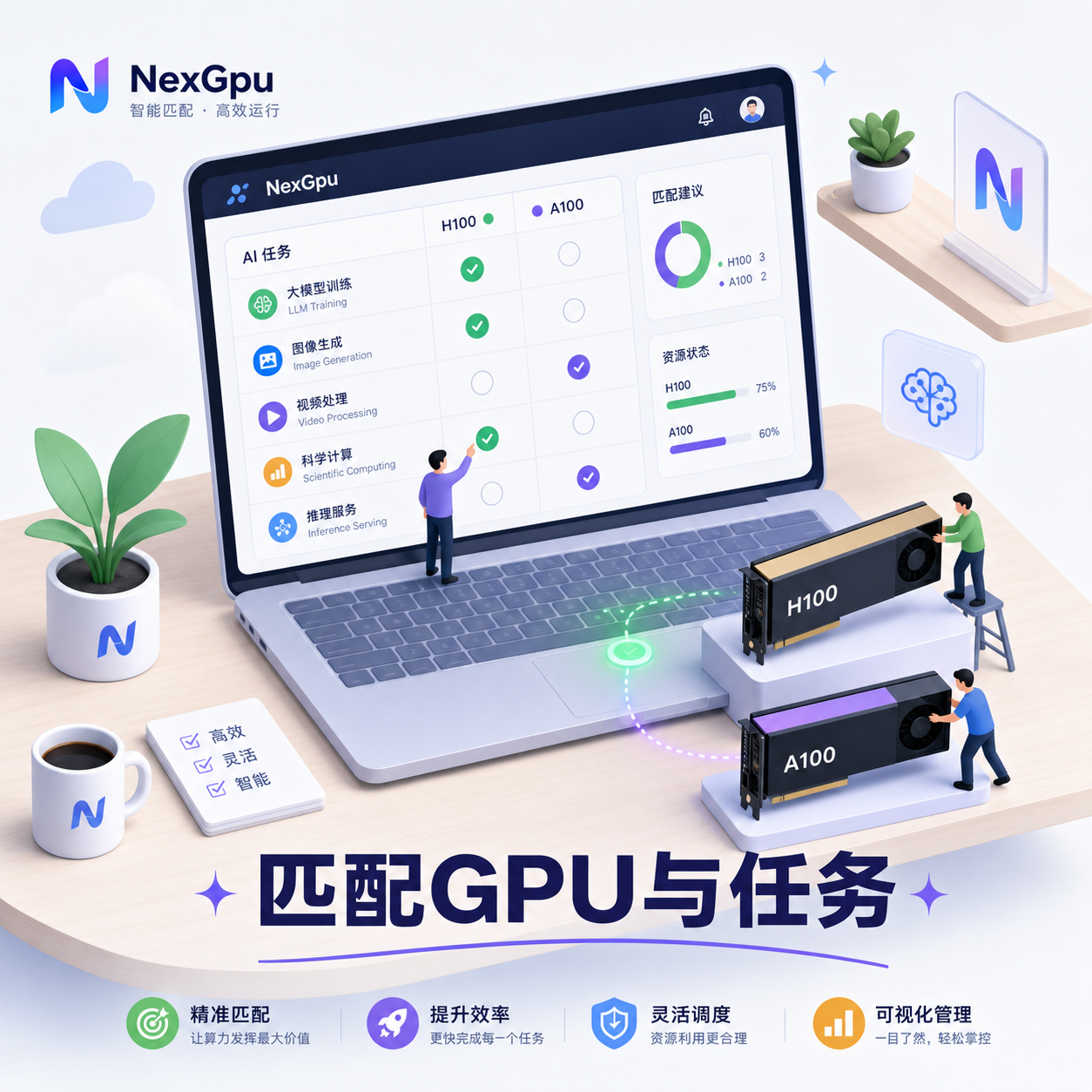
High-performance GPUs (H100/B200 and above) now account for about 52% of offerings, but older gens are still widely available. For inference, prioritize cards with high memory bandwidth and support for low precision; for training, consider interconnect. On the platform side, avoid options that lock you in long-term; prefer those that allow you to release resources anytime.
Platforms like NexGpu, which focus on GPU compute, support on-demand switching between multiple card types. You can spin up an instance within minutes after registration, ideal for small-scale validation before scaling up.
Step-by-Step Guide to Start Using Compute Rental
Follow these three steps, and you can be up and running the same day.
- Register, complete identity verification and top up, then choose region and image. Prioritize templates pre-loaded with CUDA, Docker, and common frameworks to save environment setup time.
- Select card type and quantity based on needs. Start with a single A100 or H100 for small batch testing, confirm throughput and memory usage, then add cards. Set auto-shutdown or usage time limits to avoid forgetting to turn off.
- Upload data/models and start the task. Use vLLM or similar frameworks for inference services, or run fine-tuning scripts directly. Monitor GPU utilization and cost panel, release resources immediately after completion.
In practice, many first-timers overlook data transfer and persistent storage. Pre-store model weights and datasets in cloud storage and mount them to the instance—it's much faster than re-downloading each time. NexGpu supports one-click deployment of common inference frameworks in its scenarios and makes switching card types easy, which is handy for iterative trial and error.

Cost Control Checklist Amid Price Volatility
Recent market discussions show rental prices nearly doubled in the past six months; H100 absorbed a lot of demand, pulling up B200, and overall supply is tight. Don't tough it out—use these tactics to cut costs:
- Prioritize inference and fine-tuning tasks, avoid pretraining from scratch
- Use spot/preemptible instances for non-critical tasks, which are cheaper
- Set budget alerts and auto-stop, release immediately when utilization is low
- Compare prices for the same card across multiple platforms, focusing on actual availability rather than list prices
- Batch tasks together to improve single-run utilization
- Keep an eye on the next-gen Vera Rubin expected to ramp up in late 2026; no need to grab the latest cards now
The report projects the global market to reach $118 billion by 2030, a CAGR of about 23%, with utilization expected to rise from the current ~42% to 68%. Teams that use elasticity will be more agile than those locked into hardware.
Treat compute rental like electricity or water: pay for what you use, leave when done. Start with a single-card small task to get the hang of it, then adjust specs based on real data. The market is growing and prices are moving, but by following these steps, small and mid-sized teams can fully embrace the latest demand without getting dragged down by volatility.




Comments(0)