 NexGPU-算力租赁,GPU服务器,GPU云算力,AI服务器租用-新闻博客
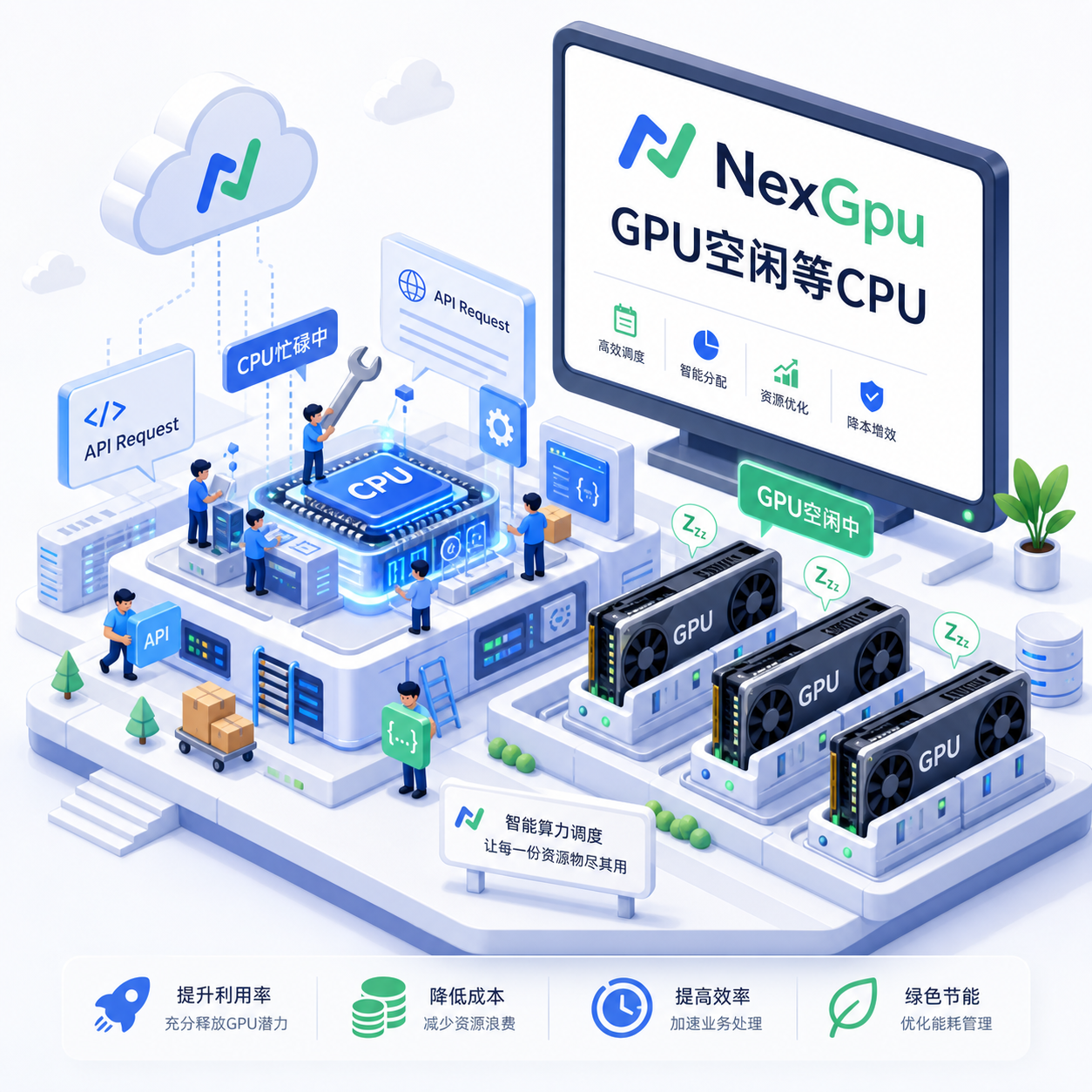
When AI agents go live, many teams' first instinct is to hoard more GPUs. The result? Soaring bills but shockingly low utilization. In practice, you'll find that GPUs are often waiting.
Average GPU utilization in enterprise Kubernetes clusters is only around 5%, meaning you're provisioning 20 times the actual capacity needed. Agent scenarios are even more typical—measuring across an hour, actual GPU utilization often lands between 15% and 40%. Deeper research shows that tool processing, orchestration, API calls, and data parsing account for 50% to 90% of end-to-end latency. After a GPU finishes a round of inference, it sits idle waiting for the CPU to feed back the next tool result.
This is completely different from traditional chatbots. In single-turn Q&A, the CPU only handles tokenization and post-processing, a very small share. Agents need to plan, break down tasks, call multiple sub-agents in parallel, search the web, run code, query databases, reflect, and loop. These "actions" all run on the CPU; the GPU only handles the intermediate "thinking" segments. With long contexts and multiple turns, KV cache grows rapidly with session count and token count, further squeezing the number of concurrent users you can support.
Don't rush to blame hardware. First, understand the current situation. Use nvidia-smi and inference service metrics to monitor GPU utilization and memory usage. Also watch CPU-side tool call latency and queue waits. Many teams find that GPU compute is actually sufficient at peak, but it's just idle most of the time. When utilization is below 50%, cloud leasing is almost always more cost-effective; consider self-hosting only when it exceeds 75%. Most institutional clusters sit between 40% and 70%, so fix utilization first, then decide whether to buy or rent.
In practice, tackle this in three areas.
First, recalculate the budget for agent workloads. Model weights are fixed; KV cache is the variable. A 7B-class GQA model at 4K context with FP16 uses about 0.5GB per session; at 32K it grows to about 4GB. Multi-turn conversations and tool outputs further inflate memory. The formula is simple: total VRAM ≈ weights + (per-session KV × max concurrency) + 10-15% runtime overhead. If it comes out to 48GB, go with an 80GB card—don't push to 95% capacity. For high-concurrency APIs, use H100/H200-class GPUs; for single-user or low concurrency, consumer high-bandwidth cards suffice. Models must stay resident in memory; cold starts of a few minutes are unacceptable for real-time agents.
Second, squeeze idle time at the software layer. PagedAttention virtualizes KV into pages, reducing fragmentation and packing in more requests. Continuous batching lets new requests join an ongoing batch without waiting for the whole batch to finish. Prefix/prompt caching reuses system prompts and common prefixes, cutting redundant computation. Quantizing KV to FP8/INT8/INT4, combined with smart eviction (LRU or TTL), significantly reduces long-context overhead. Some teams have used these combinations to multiply effective throughput on the same hardware while reducing TTFT. Make tool calls asynchronous or batched, don't let the GPU wait on a single slow API.
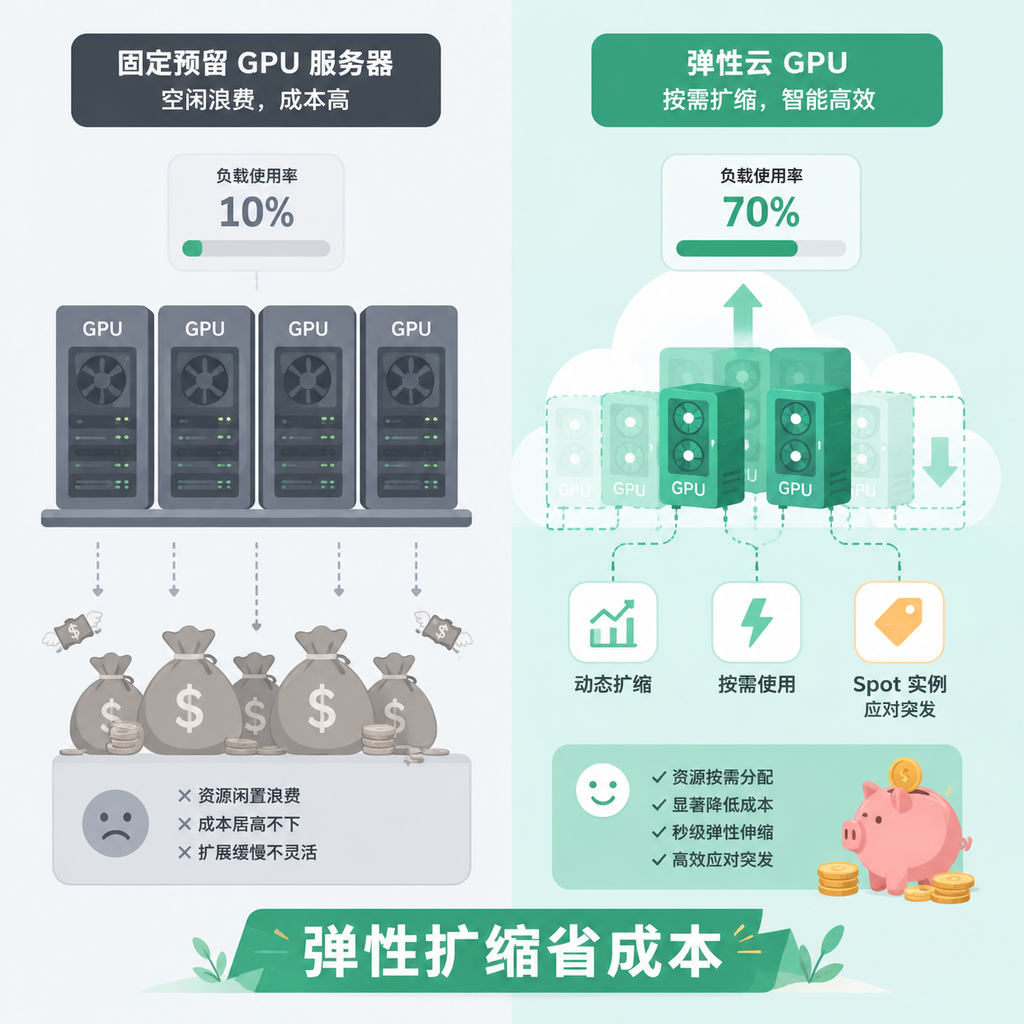
Third, elasticity is the killer feature of the cloud. Agent traffic bursts: you might get zero requests for an hour, then hundreds the next minute. Fixed reservations waste money. Use on-demand instances for the real-time user-facing loop, and push background batch or checkpoint-able tasks to spot instances—costs can drop 60-90%. Externalize multi-turn session state so it can be restored after interruptions. Platforms like NexGpu for cloud compute fit this model perfectly—quickly spin up GPUs, scale based on actual load, no long-term commitment to large capacity. Pair it with the right CPU core count (in the agent era, the CPU:GPU ratio should be higher), and overall efficiency improves significantly.
Common pitfalls include: focusing only on peak throughput while ignoring average utilization and tail latency; provisioning the most expensive GPUs for all paths when many tool executions don't need them; neglecting cache management, leading to OOM or concurrency crashes when long contexts are enabled; and being overly optimistic about self-hosted utilization, forgetting that scheduling, failures, and update windows eat into capacity.
When rolling out, pick one specific scenario to test. For example, an internal code agent: use a medium-sized model with strong caching, monitor the proportion of tool executions (bash/Python), and reserve GPU only for actual generation steps. Or customer service multi-agent: use high-core CPUs for the orchestration layer and elastic GPUs for the inference layer. Run for a week or two, then decide on scaling ratios.
Agents aren't just "more GPUs"; it's about the entire pipeline working together. Understand CPU bottlenecks, manage KV well, and use elasticity wisely—the same budget can support more sessions. NexGpu's flexible cloud GPU leasing helps small and medium teams skip heavy upfront investment, tune utilization and response to a comfortable range, then consider scaling. Measure, optimize, then expand—that's far more reliable than blindly hoarding GPUs.




Comments(0)